MetaMask
Note
A Web (HTTP(S)) server is required also for local development:
due to browser security restrictions, MetaMask can’t communicate with
dapps running on file://. Please use a local server for development.
Installing MetaMask
Install MetaMask from here or by opening the extension management in your browser.
Install MetaMask for Chrome, Firefox or Opera
MetaMask with Ganache CLI
Generate a new seed phrase or import one:
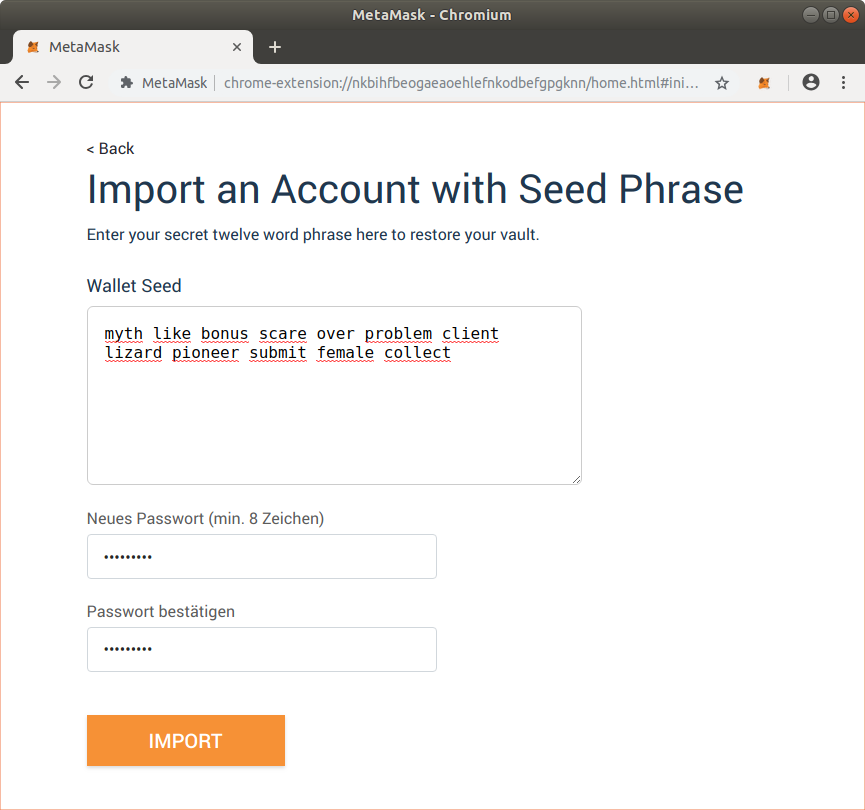
Importing a seed phrase in MetaMask
Create a total of 6 accounts:
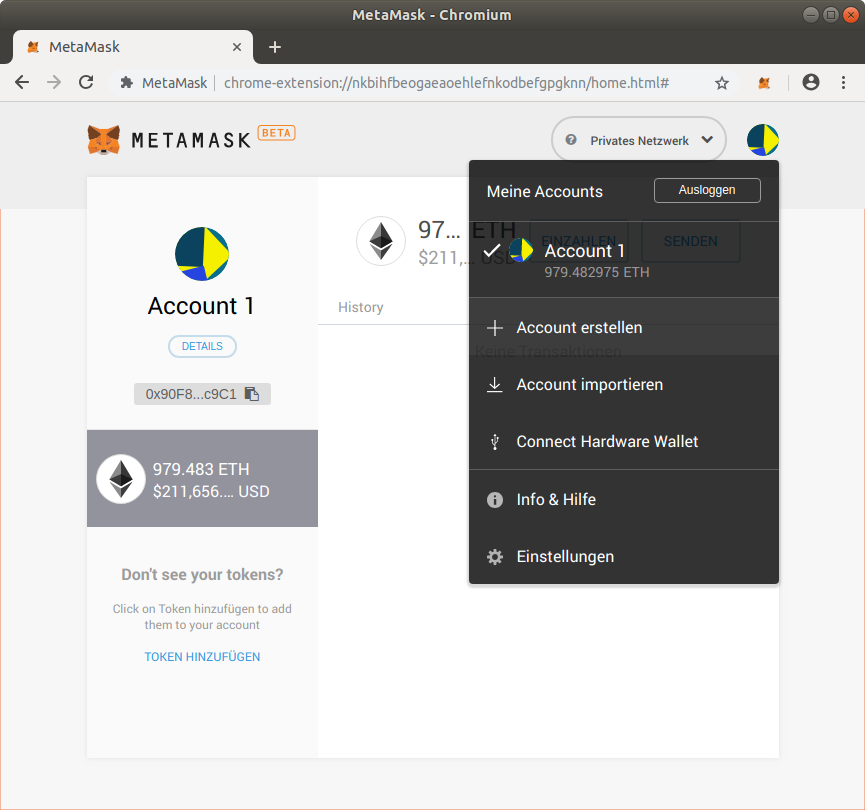
Create an account
At the end, you should see your list of accounts switchable by clicking the top right account logo:
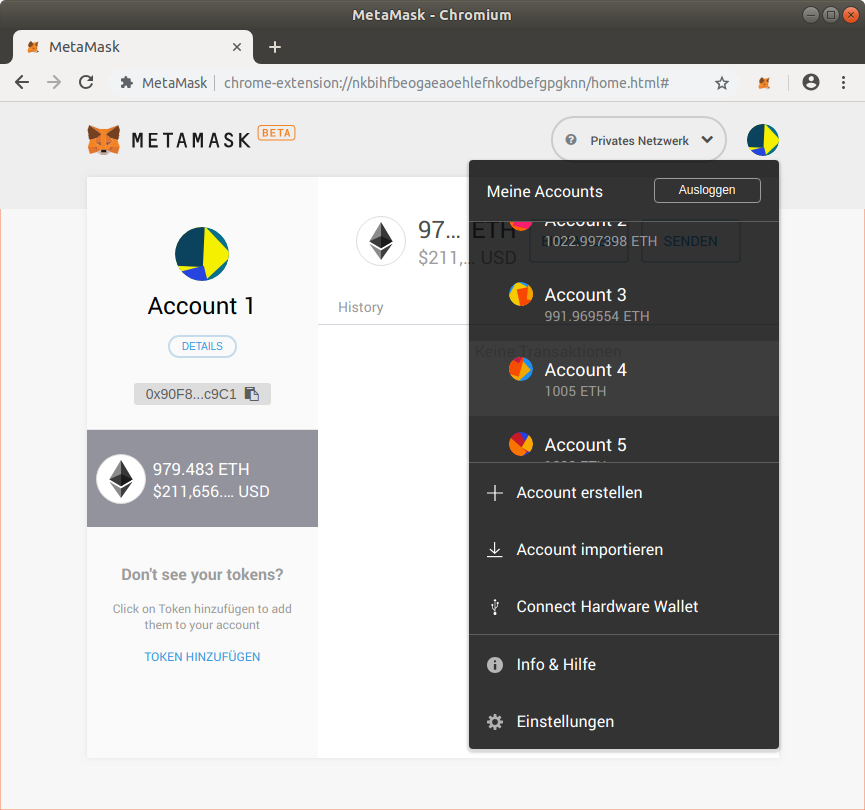
List of switchable accounts
Connect to the locally running Ganache CLI test blockchain at http://localhost:8545:
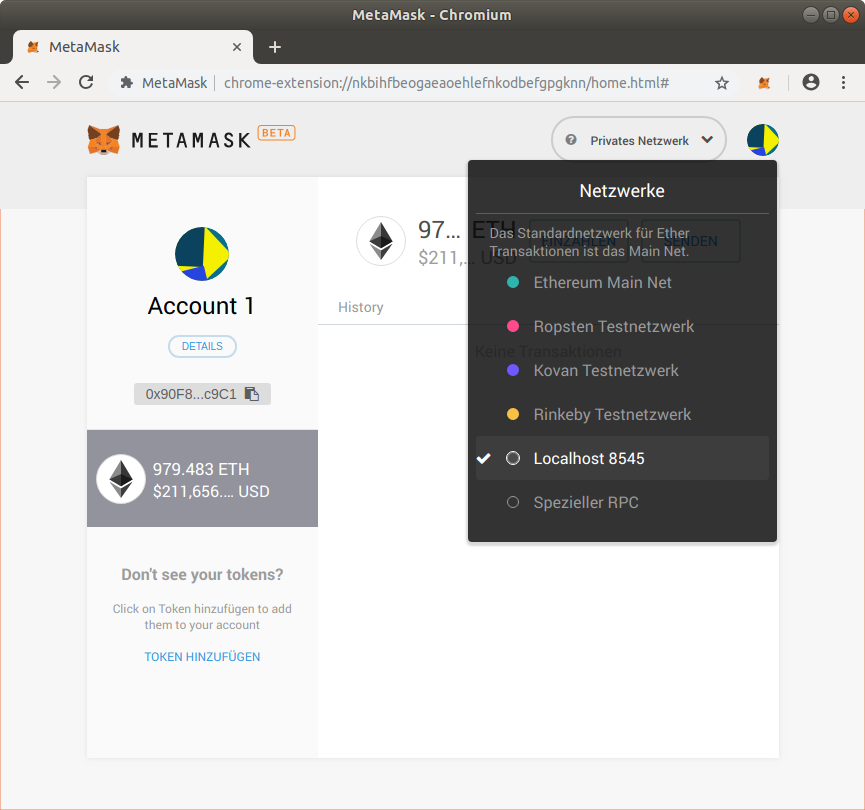
Connecting to Ganache CLI
MetaMask with Ganache GUI
Start Ganache GUI, copy and import the seed phrase into MetaMask:
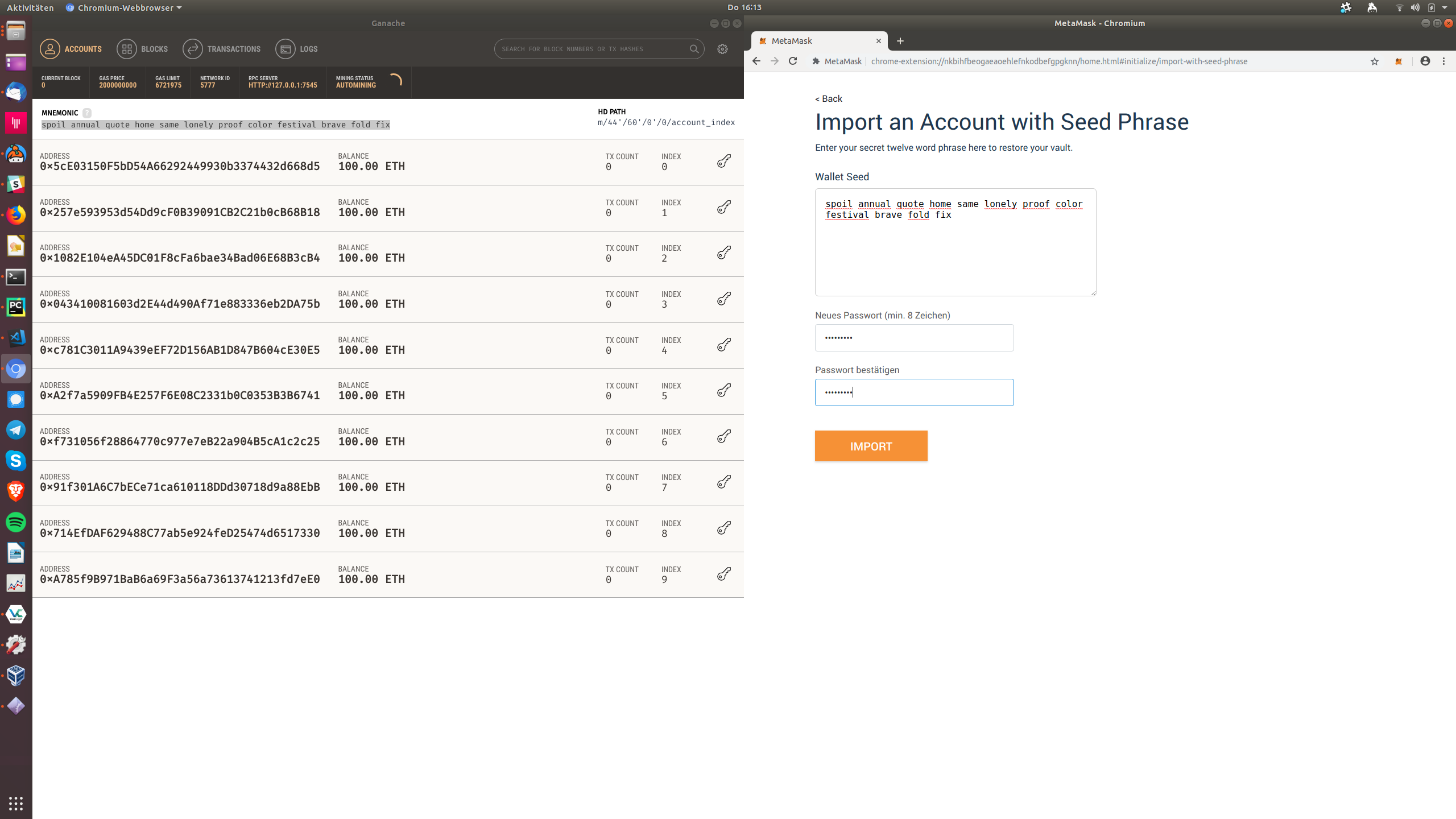
Importing Ganache GUI seedphrase in MetaMask
Connect to the locally running Ganache CLI test blockchain at http://localhost:7545:
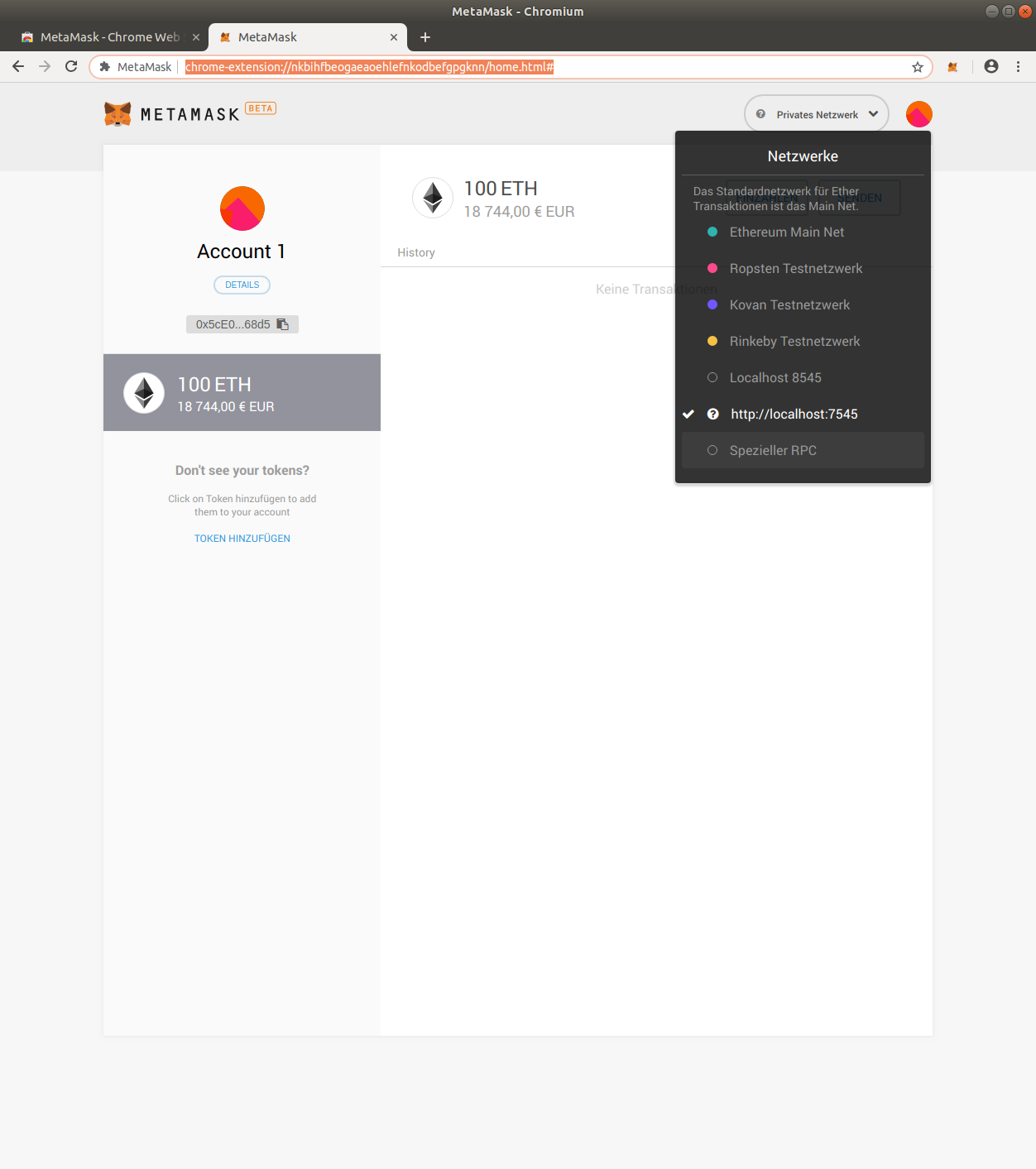
Connecting to Ganache CLI
Creating XBR Test Accounts
For testing, create the following accounts in MetaMask:
Account |
Actor / Stakeholder |
|---|---|
Account 1 |
The XBR project |
Account 2 |
XBR Market Maker M1 |
Account 3 |
XBR Data Provider P1 |
Account 4 |
XBR Data Provider P2 |
Account 5 |
XBR Data Consumer C1 |
Account 6 |
XBR Data Consumer C2 |
Account 1 (The XBR project) is used to deploy the XBR Protocol smart contracts.
Account 2 (XBR Market Maker M1) will call smart contract functions:
XBRNetwork.registerto register in the XBR networkXBRNetwork.open_marketto open a new market
Account 3/4 (XBR Data Provider P1/P2) will call smart contract functions:
XBRNetwork.registerto register in the XBR networkXBRNetwork.join_marketto join a market, depositing an amount of XBR token as a security and for the market maker to open a payment channel with this data providerXBRNetwork.request_channelto request a payment channel receiving money from the market maker, depositing an amount of XBR token. this returns a newXBRPaymentChannelSCXBRPaymentChannel.closeto close a payment channel.
Select Account 5/6 (XBR Data Consumer C1/C2) will call smart contract functions:
XBRNetwork.registerto register in the XBR networkXBRNetwork.join_marketto join a market, depositing an amount of XBR token as a securityXBRNetwork.open_channelto open a payment channel, depositing an amount of XBR token. this returns a newXBRPaymentChannelSCXBRPaymentChannel.closeto close a payment channel.
Call Structure and Control Flow
Typically, a Dapp written in JavaScript using XBR and MetaMask will have the following call structure when submitting a transaction to the blockchain:
User
---(click)--->Your app (JavaScript in browser)
---(call)--->xbr.js / web3.js (injected)
---(call)--->MetaMask
---(user dialog)--->User
---(click)--->MetaMask
---(http)--->Infura
---(native etherum protocol)--->Ethereum Mainnet (the set of worldwide public nodes)