Remix
Remix is a browser-only Solidity IDE and run-time environment. It is available in a public hosted version, but can also be run locally as a NodeJS application.
For development, it is convenient to to give Remix access to a folder from your host computer. For that, we recommend remixd.
Install Remix and remixd:
sudo npm install -g remix-ide
sudo npm install -g remixd
Then start remix-ide:
oberstet@thinkpad-x1:~/scm/xbr/xbr-protocol$ remix-ide
setup notifications for /home/oberstet/scm/xbr/xbr-protocol
Starting Remix IDE at http://localhost:8080 and sharing /home/oberstet/scm/xbr/xbr-protocol
Sun Nov 11 2018 11:11:09 GMT+0100 (CET) Remixd is listening on 127.0.0.1:65520
Note the last line ..Remixd is listening.., which means remixd was already started
as part of RemixIDE and we can use it to edit and share files on the local host.
To enable file sharing, click on the small connect icon in the top-left toolbar:
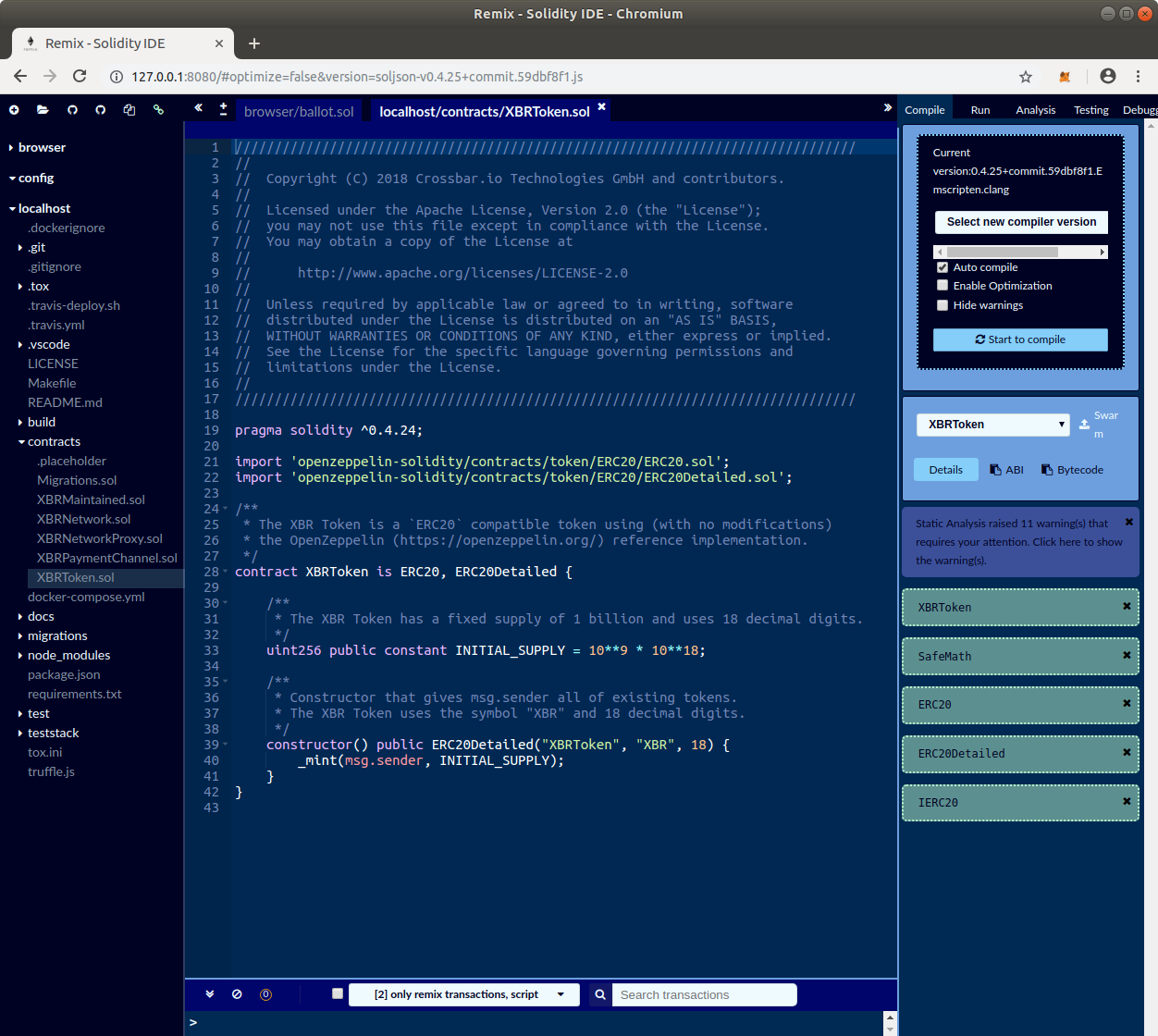
A new folder “localhost” will pop up on the left side, and the log output of remixd should note a new connection (from the RemixIDE frontend):
Sun Nov 11 2018 11:11:47 GMT+0100 (CET) Connection accepted.